March was the biggest month for pageo so far. We shipped eight features that make your profile more useful to visitors and give you more control over how it looks, what it tracks, and who it reaches.
Here is everything that went live.
Audience and subscriptions
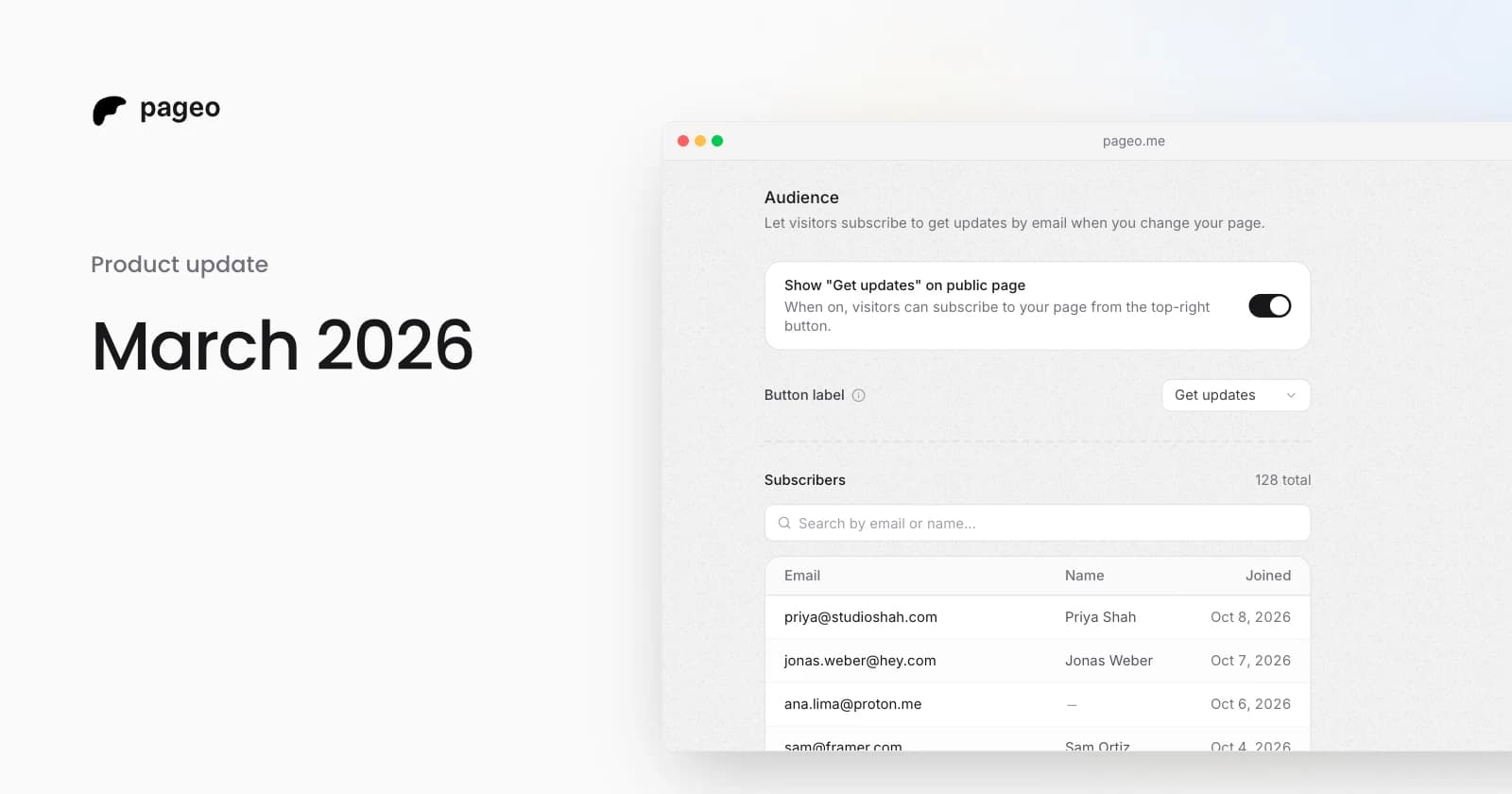
Visitors can now subscribe to your profile with their email. Each subscriber joins your audience list in the admin.
After you publish a change, pageo offers to send your subscribers an update, with an optional message. Every email includes an unsubscribe link.
Turn it on in Audience settings, and pick the subscribe button label: Get updates, Subscribe, Notify me, or Stay updated.
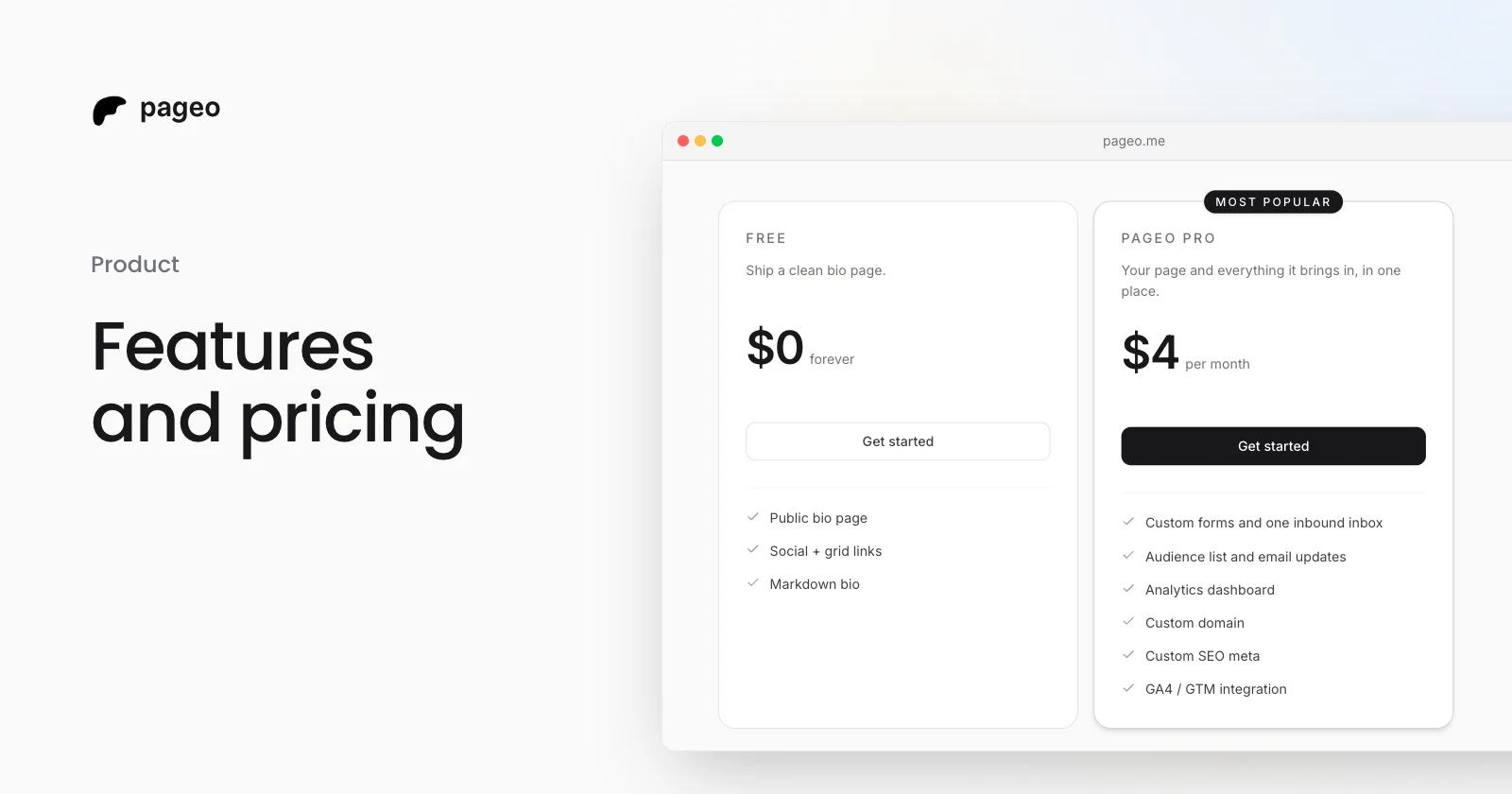
Audience is a Pro feature.
UTM parameters, content warnings, and custom SEO
Three new settings give you more control over how your profile behaves.
UTM parameters. Turn this on and pageo adds UTM parameters to your outbound links. In any analytics tool, pageo traffic shows up as its own source, with no manual tagging.
Content warning. If your profile has sensitive content, show a warning screen before it loads. Visitors choose to continue or leave, and their choice is remembered so they do not see the warning again.
Custom SEO metadata. Set a custom title and description for your profile. They appear in browser tabs, search results, and link previews. Leave them blank and pageo uses your name and bio. Custom SEO metadata is a Pro feature.
Instagram integration
Connect your Instagram account and show a grid of your latest posts or reels on your pageo profile.
- Choose posts or reels
- Pick 2 or 3 columns
- Show or hide like and comment counts on each tile
- The grid stays in sync, so visitors always see your newest content
Connect it in Settings, under Integrations. The grid becomes a section on your profile that you can reorder with the rest.
YouTube integration
The same idea for your YouTube channel. Connect it and a grid of your latest videos appears on your profile.
- Pick 2 or 3 columns
- Each tile links straight to the video
- The grid updates as you upload new videos
Set it up in Settings, under Integrations. Like the Instagram grid, it is a section you can reorder.
Location on your profile
Add your city so visitors know where you are based. A map section appears on your profile, with links to open the location in Google Maps or OpenStreetMap.
- Set your location in Settings, under Location
- Remove the map from the editor anytime
GitHub contribution graph
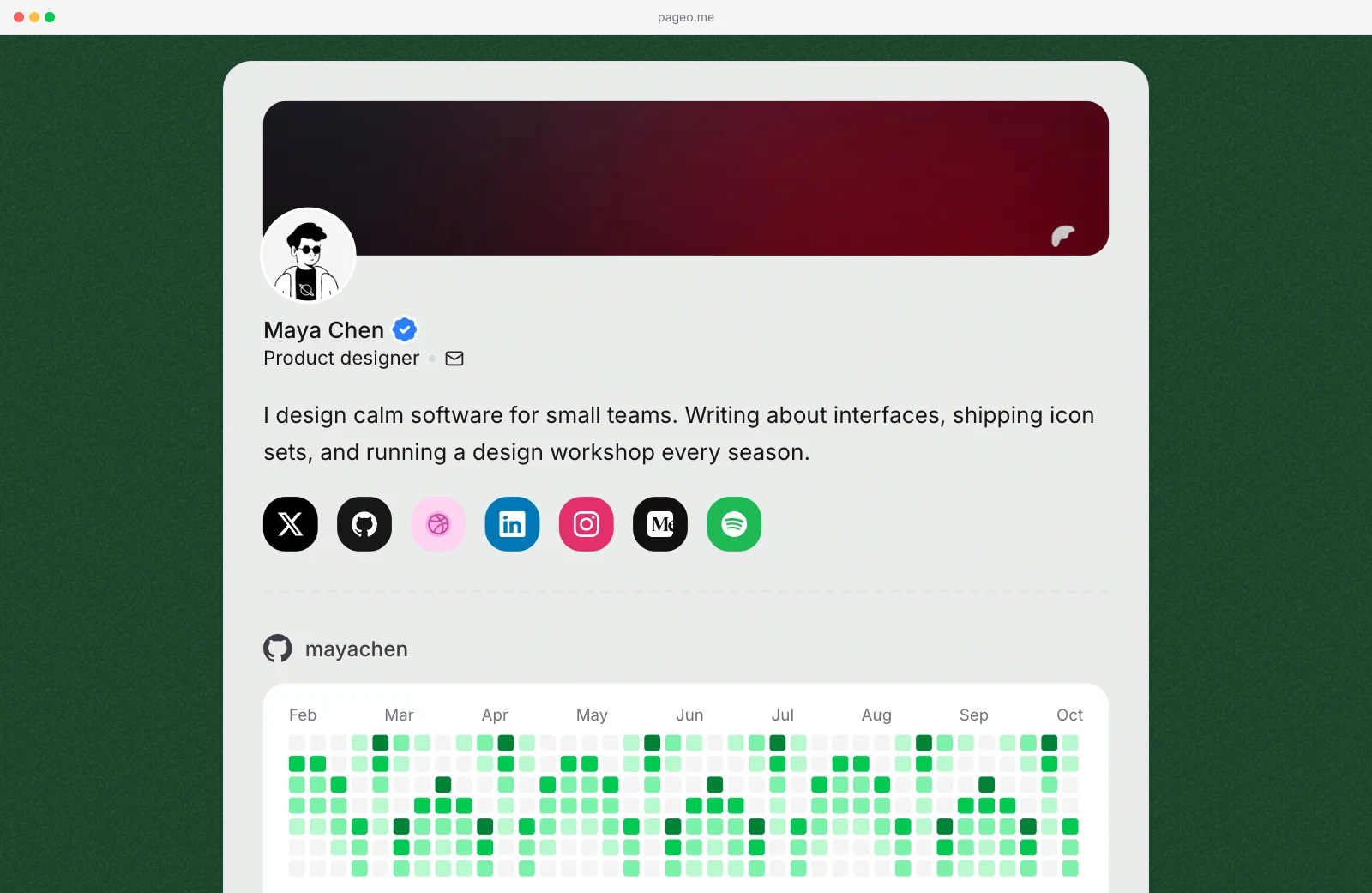
Add your GitHub username and your contribution graph appears on your profile, like the one on your GitHub page.
- The graph starts from your most recent activity
- Turn it on or off from the editor
- Visitors see how active you are at a glance
It suits developers, open source contributors, and anyone who wants to show that they ship consistently.
Layout control and background themes
Two additions to the Layout panel in the editor.
Section reordering. Drag sections into the order you want: social links, grid links, Instagram, YouTube, GitHub contributions, the map, and more. Put what matters most at the top.
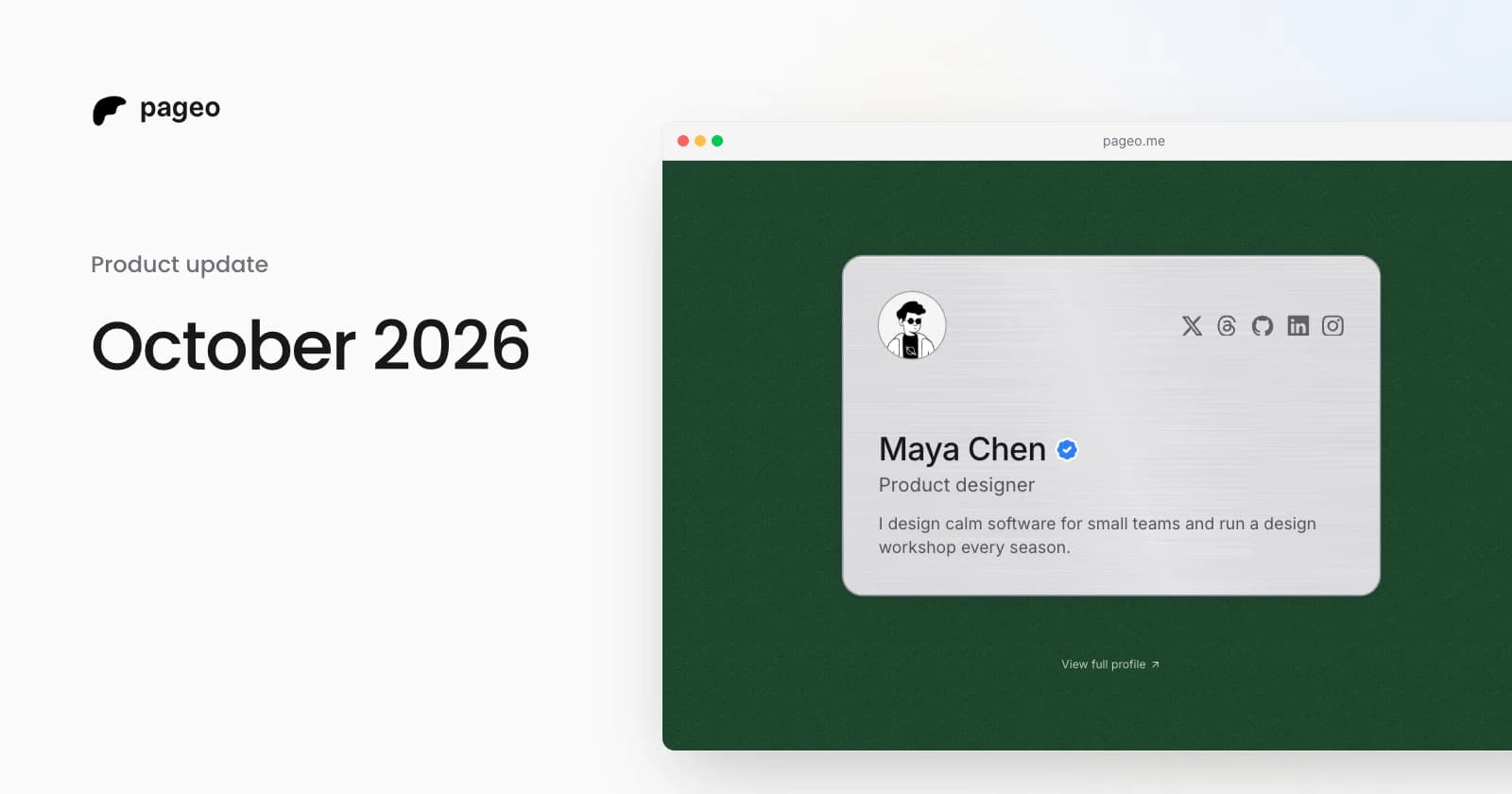
Background themes. Pick a background color from a set of preset themes. The color fills the area behind your profile card.
Google Analytics
Connect Google Analytics 4 or Google Tag Manager to your pageo profile and track what happens on your public page.
With Google Analytics 4, pageo sends these events for you:
- Link clicks
- Social icon taps
- Profile shares
- New subscribers
There is no event setup to do. Paste your Measurement ID or GTM Container ID in Settings, under Google Analytics.
If you have visitors in the EU, you can show a cookie consent banner. When it is on, Google Analytics does not load until the visitor agrees.
Google Analytics is a Pro feature.
What is next
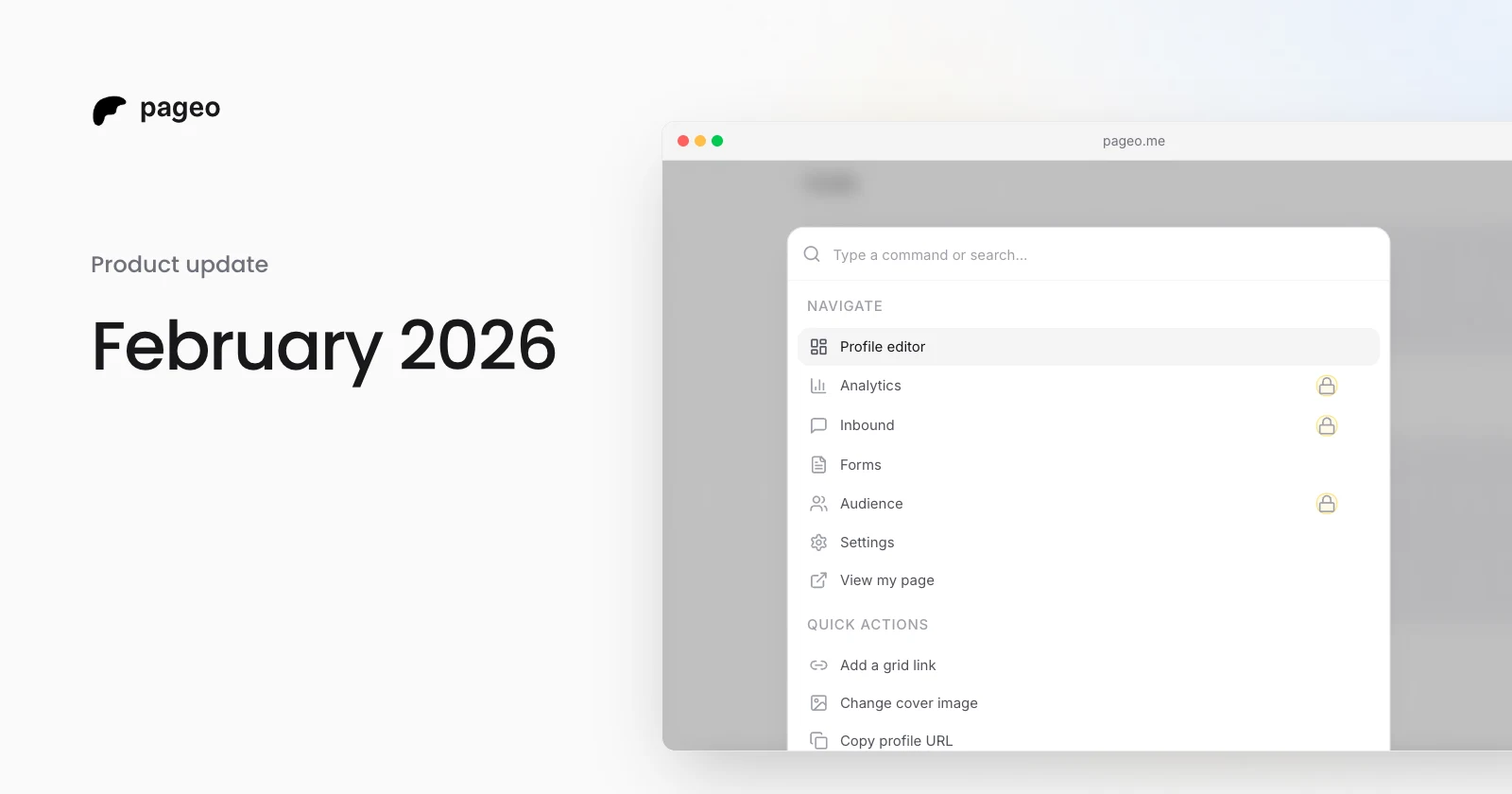
Eight features in one month is a lot, and we plan to keep the pace. More is coming for the editor, the public profile, and pageo Pro. If you have feedback or ideas, use Send feedback in the command palette, or reach out on X.